

Migration Guide: From Conventional to Linerless Labeling
Migration Guide: How to Switch from Conventional to Linerless Labeling Painlessly
Changing technology always creates uncertainty. Will it work with my software? Do I need to overhaul my process? How much downtime is involved? This guide answers the most common questions about migrating to linerless labeling.
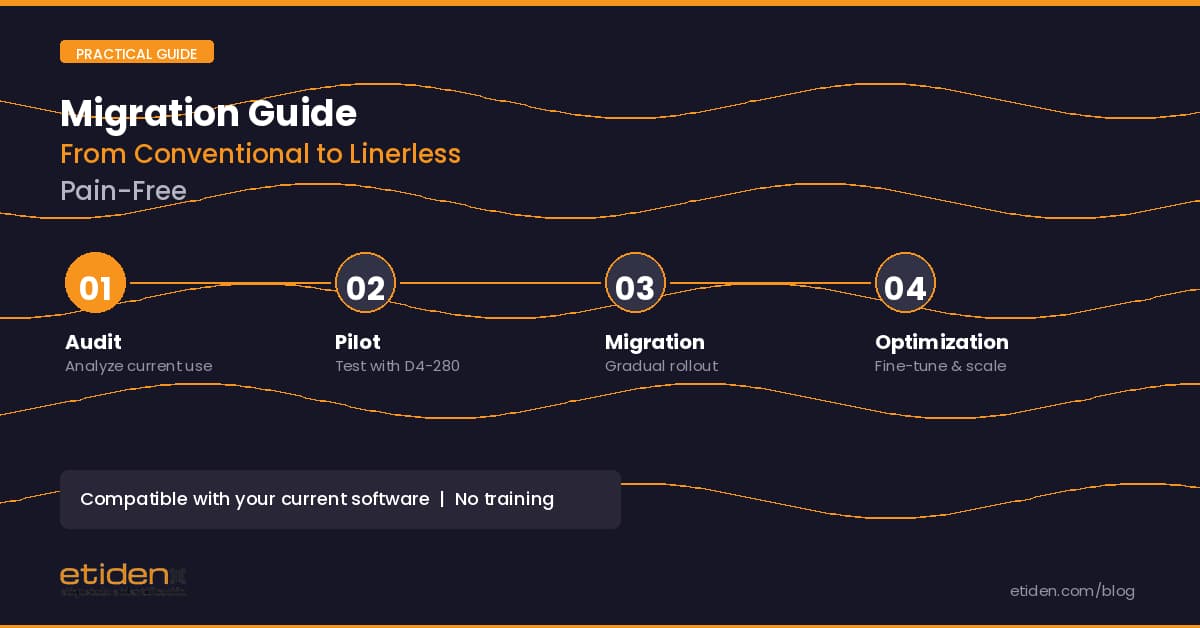
Step 1: Evaluate your current situation
Before switching, you need to know three data points from your current operation: how many labels you print per day, what sizes you typically use, and which software and printing language you work with.
This data will allow you to calculate estimated savings and confirm technical compatibility. You can use our calculator at etiden.com/linerless-revolution for a quick estimate.
Step 2: Verify compatibility
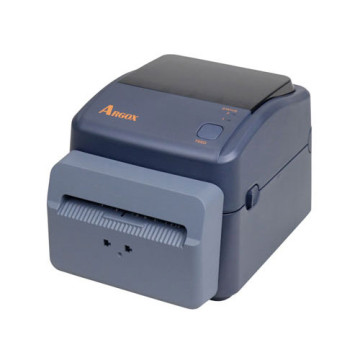
The ARGOX D4-280 emulates three printing languages: PPLA (Datamax compatible), PPLB (native ARGOX/SATO), and PPLZ (Zebra ZPL compatible). Detection is automatic. If you currently use Zebra, Datamax, SATO, or ARGOX printers, the migration is direct: your existing label formats will work without changes.
The ODBC connection allows integration with major ERP and WMS systems (SAP, Oracle, Microsoft Dynamics, etc.) and databases (SQL Server, MySQL, Access, Excel).
Step 3: Plan the transition
You don't need to change all your printers at once. The most common strategy is to start with a pilot unit at the highest volume labeling point. This allows you to validate the technology in your real environment, measure savings, and train staff before extending the rollout.
The ARGOX D4-280 kit at €425 is perfect for this pilot approach: minimum investment, minimum risk, maximum learning.
Step 4: Install and configure
Installation is simple. Connect the printer via USB or Ethernet (Ethernet comes as standard), install the corresponding driver (Windows, Linux, macOS, or Raspberry Pi), and configure your label formats with BarTender UL (included in the kit) or your usual software.
Intelligent calibration (Intelli-mode) automatically adjusts the printer to the linerless consumable with a single button.